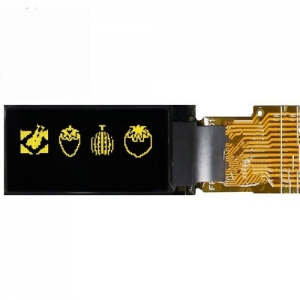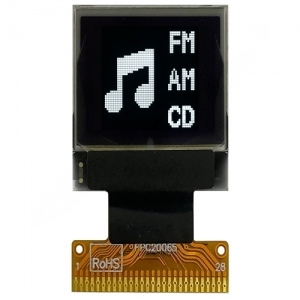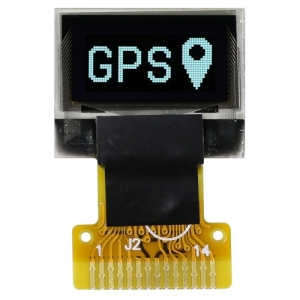
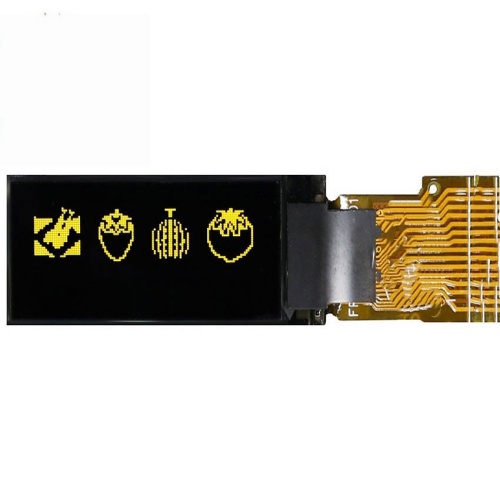
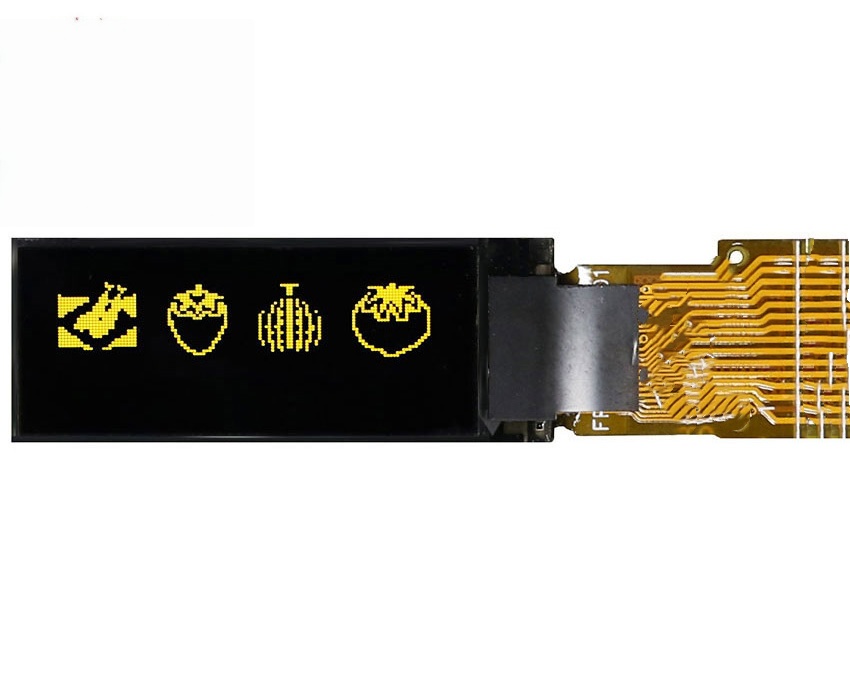
0.91 inch 128x32 OLED Display
►Type: Graphic
►Structure: COG
►Size: 0.91"
►128x32 OLED Display
►IC:SSD1306
►3V Power supply
►1/32 duty
►Interface: SPI
►Display Color: White / Yellow / Sky Blue
►Other FPC options available in below table
Description
The 0.91 inch is one of the most popular sizes of COG OLED for wearable displays,Graphic COG 128x32 OLED display items no.It is also built-in SSD1306 driver IC; it communicates via 4-wire serial SPI interface only. This controller's built-in voltage generation only need a single 3V power supply is needed.0.91 OLED module can be operating at temperatures from -40℃ to +80℃; its storage temperatures range from -40℃ to +85℃. These COG 0.91 inch OLED resolution 128x32 modules are ultra thin, lightweight and low power consumption which is great for handheld instruments, meters, smart grid, wearable device, E-cigarette, MP3, IoT, etc. One of the significant advantages of COG structure is the FPC usually is bendable comparing to TAB OLED since the FPC is flexible and there is no chip on the FPC. Therefore, the customers have less limitation to design the displays on their applications.0.91 module supports internal Charge Pump supply and external VCC supply.
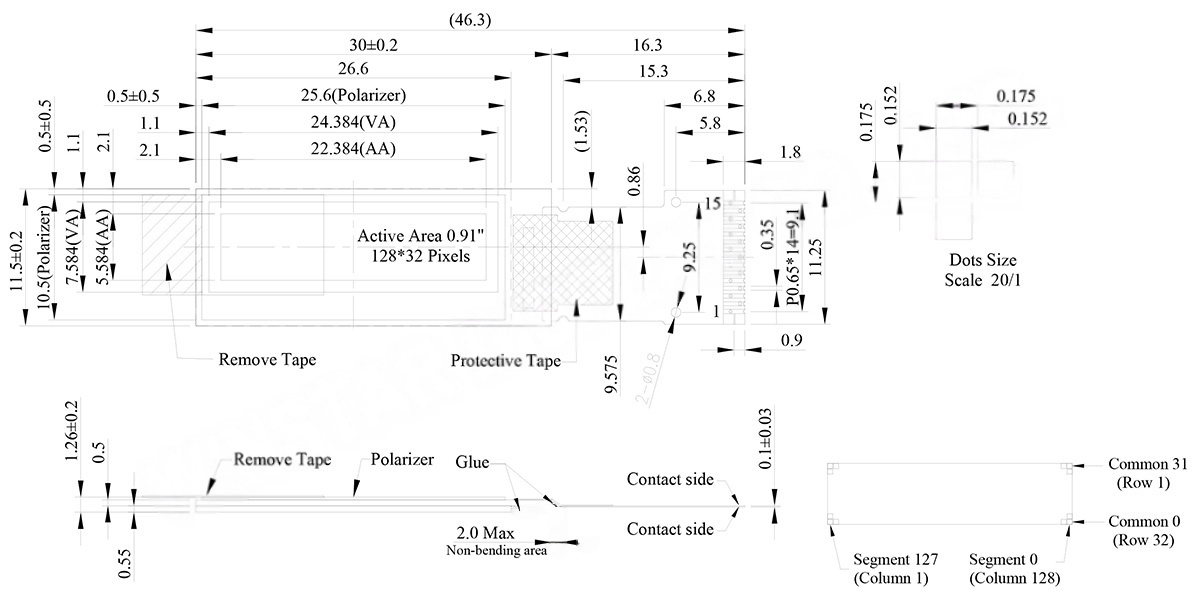
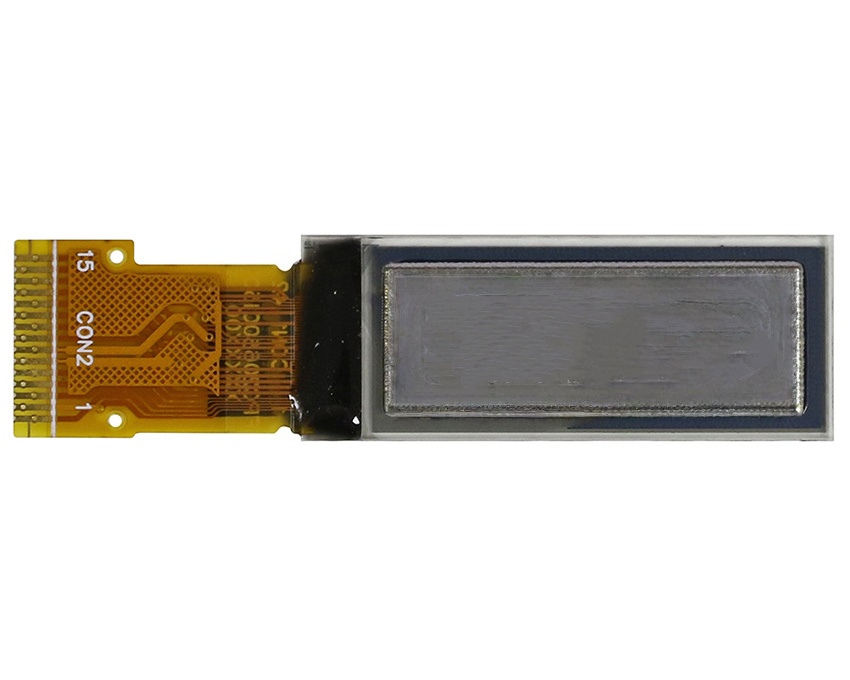
Interface Pin Function
| No. | Symbol | Function |
|---|---|---|
| 1 | C2P | Positive Terminal of the Flying Inverting Capacitor Negative Terminal of the Flying Boost CapacitorThe charge-pump capacitors are required between the terminals. They must be floated when the converter is not used. |
| 2 | C2N | |
| 3 | C1P | |
| 4 | C1N | |
| 5 | VBAT | Power Supply for DC/DC Converter Circuit This is the power supply pin for the internal buffer of the DC/DC voltage converter. It must be connected to external source when the converter is used. It should be connected to VDD when the converter is not used. |
| 6 | VSS | Ground of Logic Circuit This is a ground pin. It acts as a reference for the logic pins. It must be connected to external ground. |
| 7 | VDD | Power Supply for Logic This is a voltage supply pin. It must be connected to external source. |
| 8 | CS# | Chip Select This pin is the chip select input. The chip is enabled for MCU communication only when CS# is pulled low. |
| 9 | RES# | Power Reset for Controller and Driver This pin is reset signal input. When the pin is low, initialization of the chip is executed. |
| 10 | D/C# | Data/Command Control This pin is Data/Command control pin.. When the pin is pulled high and serial interface mode is selected, the data at SDIN is treated as data. When it is pulled low, the data at SDIN will be transferred to the command register. |
| 11 | SCLK | When serial mode is selected, D1 will be the serial data input SDIN and D0 will be the serial clock input SCLK. |
| 12 | SDIN | |
| 13 | IREF | Current Reference for Brightness Adjustment This pin is segment current reference pin. A resistor should be connected between this pin and VSS. Set the current lower than 30uA. |
| 14 | VCOMH | Voltage Output High Level for COM Signal This pin is the input pin for the voltage output high level for COM signals. A capacitor should be connected between this pin and VSS. |
| 15 | VCC | Power Supply for OEL Panel This is the most positive voltage supply pin of the chip. A stabilization capacitor should be connected between this pin and VSS when the converter is used. It must be connected to external source when the converter is not used |
SPECIFICATIONS & PROJECT FIT
Check the details for your exact model
This product is listed by SHENZHEN FUZHENG PHOTOELECTRIC CO..LTD. Use the technical tables and drawings on this page to compare the model with your design.
Match the electrical interface
Check the interface type, connector, pin assignment, supply voltages and timing against your host board. Size and resolution alone do not establish compatibility.
Check the mechanical fit
Compare module outline, active area, thickness and cable position with your enclosure. Include the touch panel and mounting requirements in the comparison.
Confirm the document revision
Use the PDF link when provided. If a drawing, pinout, test condition or revision is missing, request the model-specific document before design approval.
Agree the order details
Confirm the exact model or variant, sample quantity, delivery schedule and applicable warranty terms with the team before ordering.
Where should I confirm specifications?
Use the specifications on the selected product page. Ask the team for the current datasheet and confirm any missing values before selection or ordering.
How do I request pricing and availability?
Include the model, quantity and delivery destination in your inquiry. Pricing, availability and compatibility should be confirmed for your specific request.
Question about a value or document? Send the product URL, the specification in question and any document revision to Victory.Wang@szfuzheng.com.